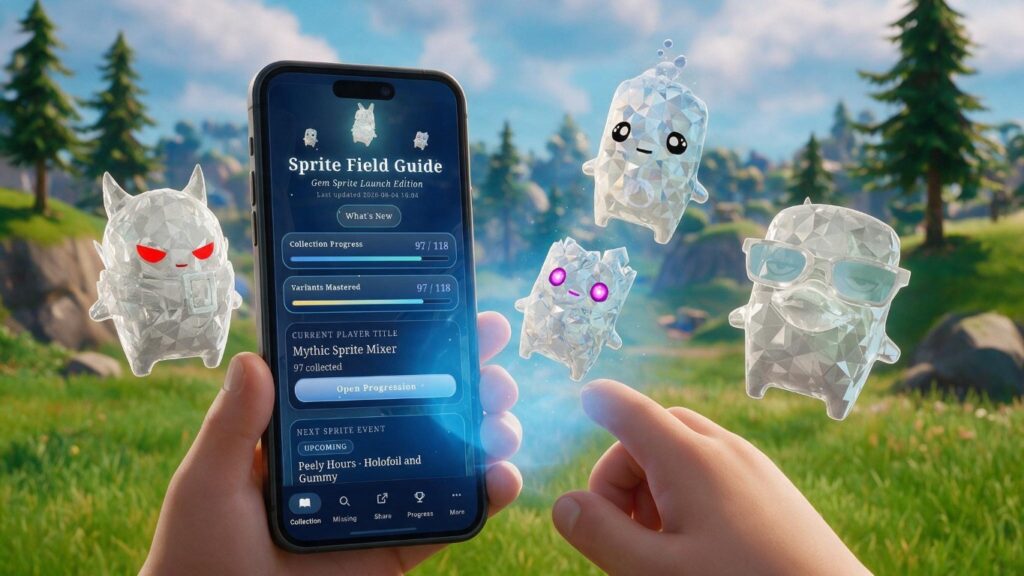
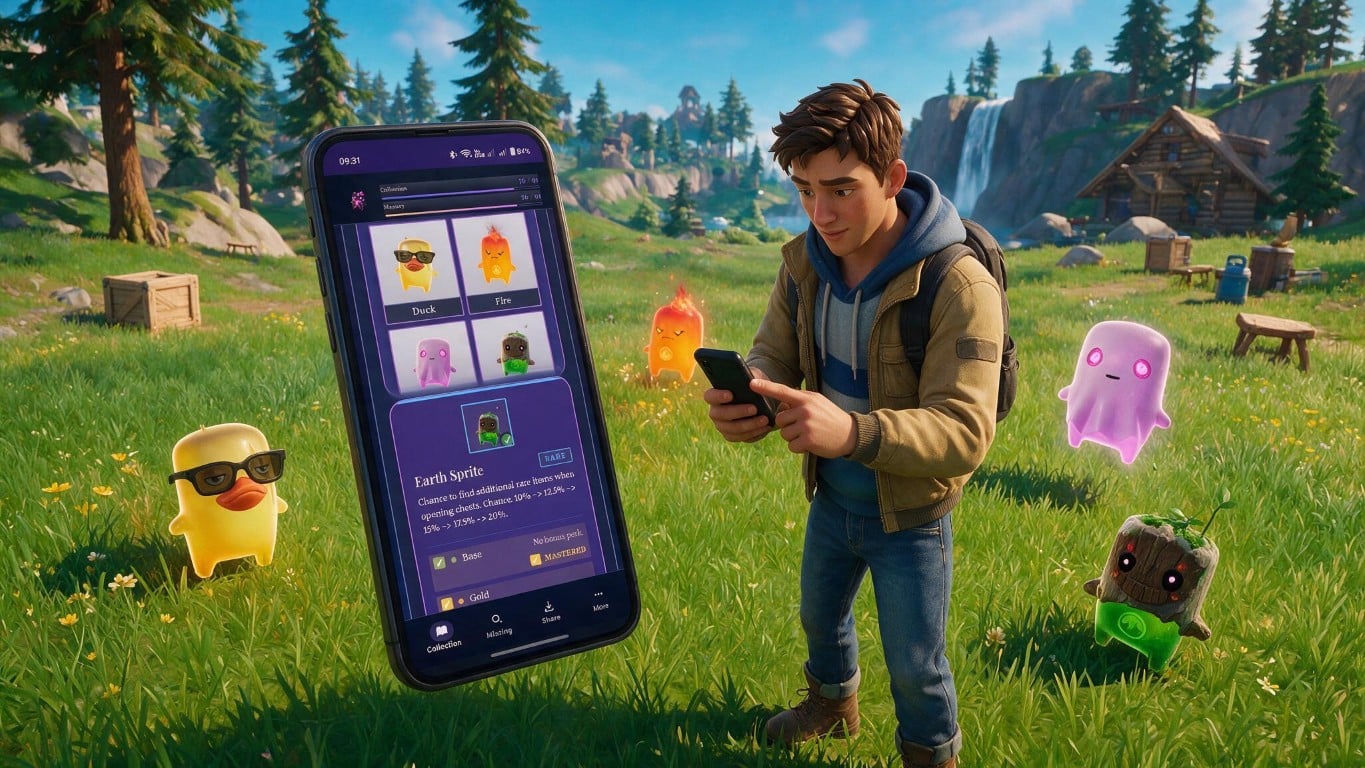
Unofficial fan-made companion app
Fortnite Sprite Field Guide
Track your sprite collection and variant mastery with a fast checklist that works offline. No account, no sign-in — your progress stays on your device.
Available now on Google Play, the Microsoft Store and the web. A full iOS version is on the way; iOS users can install the web app via Safari (instructions below).
Built for collectors
Answer three questions in seconds
A field guide should be quick to reach for. Open it between matches and know exactly where you stand.
What have I collected?
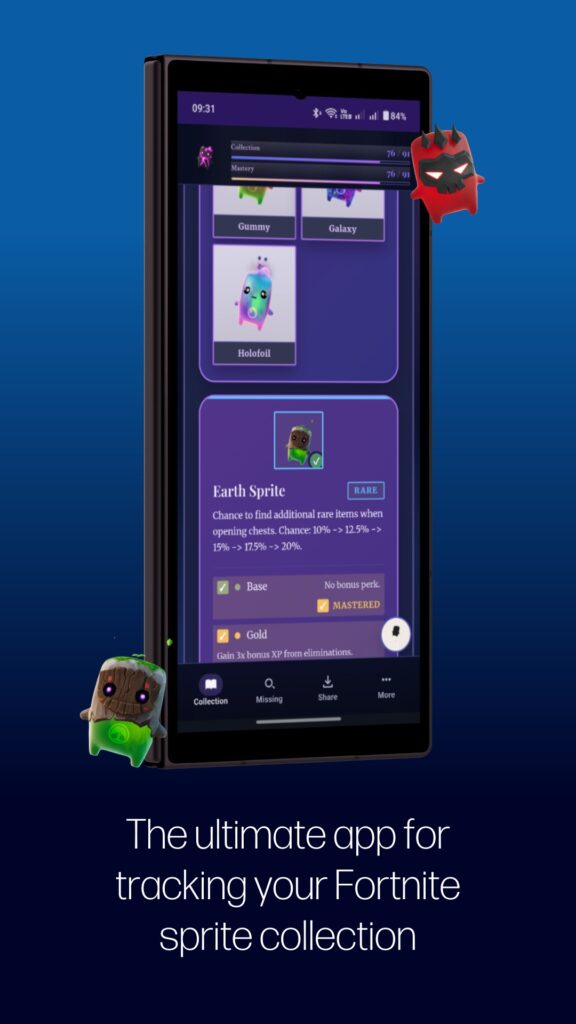
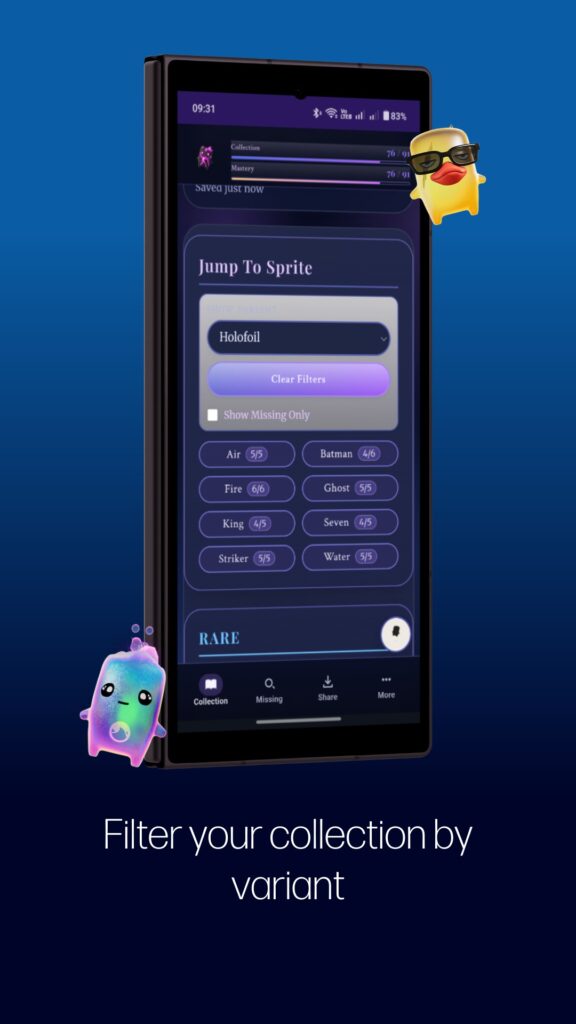
An interactive checklist grouped by rarity, with clear counts and progress bars.
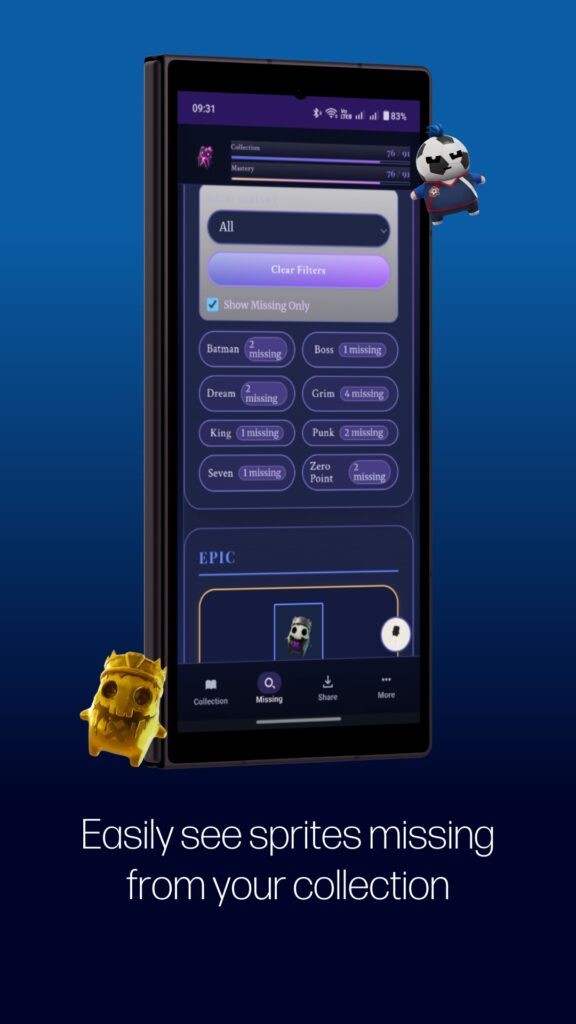
What am I still missing?
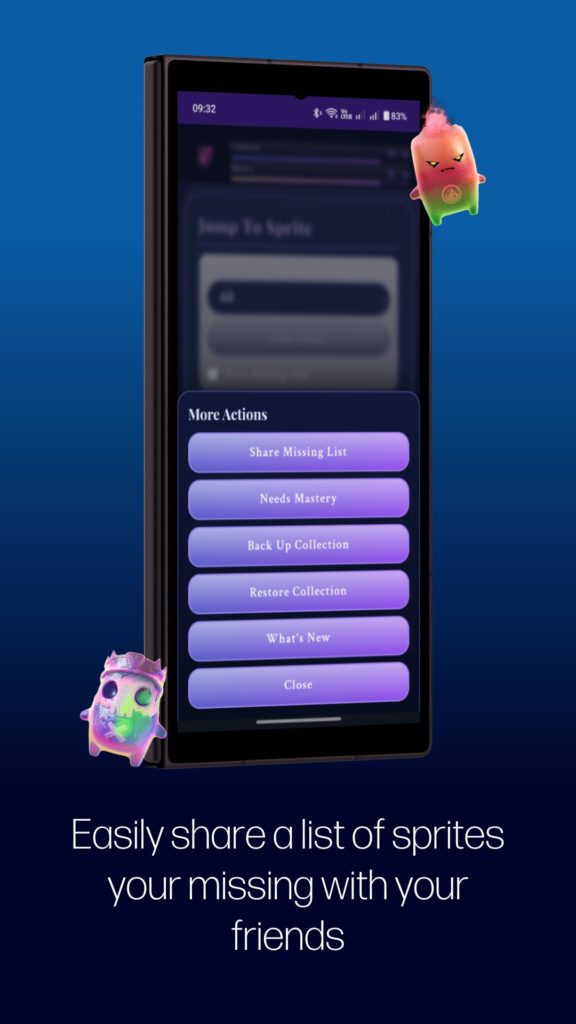
Filter down to what is left and share a missing-list snapshot to focus your next session.
Which variants need mastery?
Mastery is tracked separately from collection, with a dedicated Needs Mastery view.
What’s inside
Everything you need, nothing you don’t
Interactive checklist
Mark sprite variants as collected and watch completion counts and progress bars update as you go.
Variant mastery tracking
Keep mastery state apart from collection state, then jump to a Needs Mastery view to finish the job.
Share your progress
Share your current collection or a missing-list snapshot with friends and your community.
Backup and restore
Export your progress to a JSON file and restore it any time. Your collection is yours to keep.
Works offline
Once loaded, the guide caches its core files so your checklist keeps working without a connection.
No account required
Local-first and privacy-friendly. Start tracking straight away with no sign-up in the way.
Your data stays with you
Collection progress and mastery status are saved on your own device. There is no mandatory sign-in and no need to send your data to a server for normal tracking. Keep a JSON backup and you are covered before any reinstall or device change.

Take a look
See the guide in action
Get set up
Install it your way
Pick your device and you are collecting in under a minute.
Android
- Open the Google Play listing and tap Install.
- Or open the web app in Chrome and tap Install App.
- Launch it from your home screen.
- Make a first JSON backup once you have some progress.
iPhone & iPad
- Open the web app in Safari.
- Tap the Share button.
- Choose Add to Home Screen, then Add.
- Launch from the new home screen icon.
Windows & desktop
On Windows, install it straight from the Microsoft Store. On any desktop, you can also install it from your browser:
- Open the web app in Chrome or Edge.
- Let the page finish loading.
- Click the install icon in the address bar.
- Launch it like any other app.
Good to know
Frequently asked questions
Do I need an account?
No. Core tracking does not require account creation or sign-in. You can start straight away.
Can I use it offline?
Yes, once the app has loaded and cached its core files online at least once. After that your checklist keeps working without a connection.
How do I protect my progress?
Use Back Up Collection (JSON) regularly and store the file somewhere safe, such as a cloud drive. Back up before clearing browser data, reinstalling, or switching devices.
Is this an official Epic Games app?
No. It is an unofficial, fan-made companion app. It is not affiliated with or endorsed by Epic Games.
Where can I get help?
Head to the support and FAQ page linked below. When reporting an issue, include your device model, browser version, and the steps that led to it.
Need a hand?
Full setup guidance, troubleshooting, and answers to common questions are all in one place.

This app is an unofficial, fan-made companion and is not affiliated with, endorsed by, sponsored by, or approved by Epic Games, Inc. Fortnite is a trademark of Epic Games, Inc. Built by Chaos Created.
Latest News
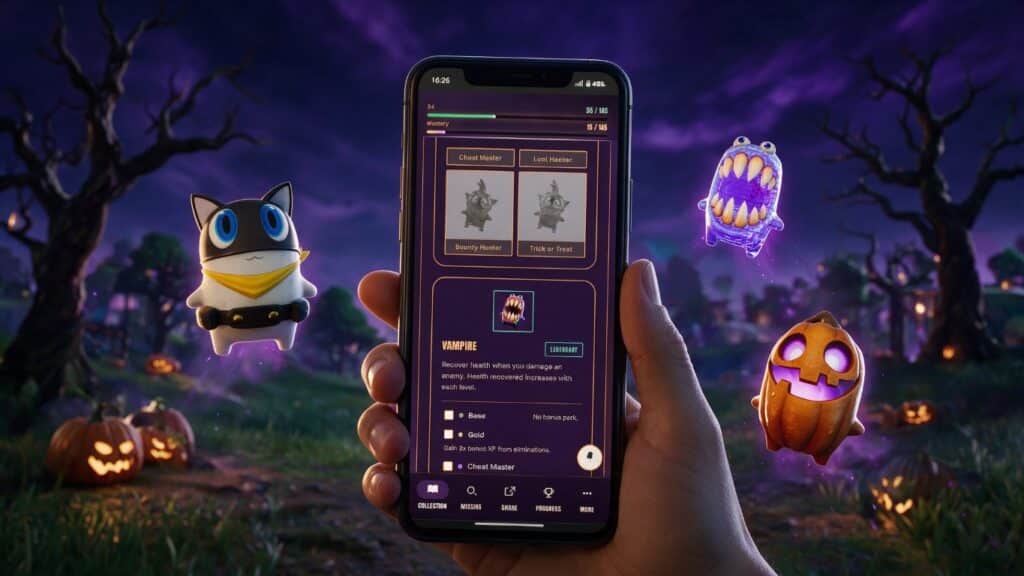
- Sprite Field Guide update: Fortnitemares arrives, plus a month of new Sprites
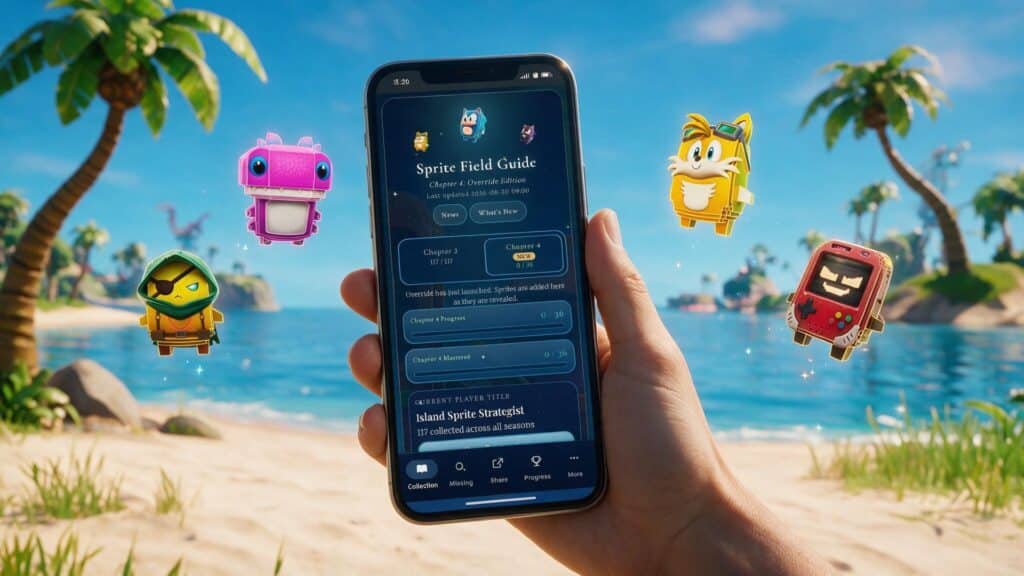
- Sprite Field Guide update: now tracking Chapter 7 Season 4: Override
- Sprite Field Guide update: Microsoft Store launch, in-app news and smarter sharing
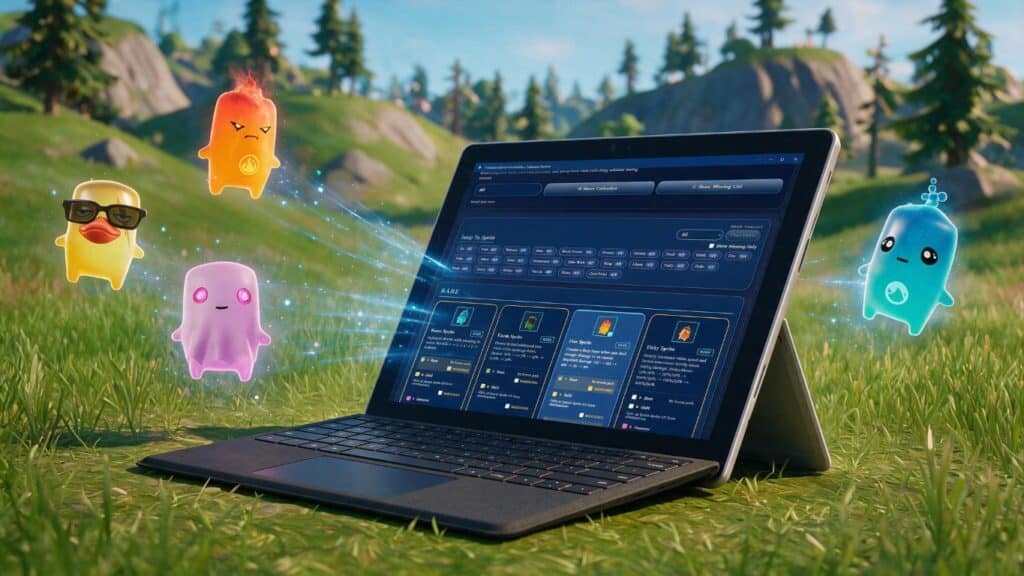
- Sprite Field Guide update: Gem launch, new badges and event countdowns
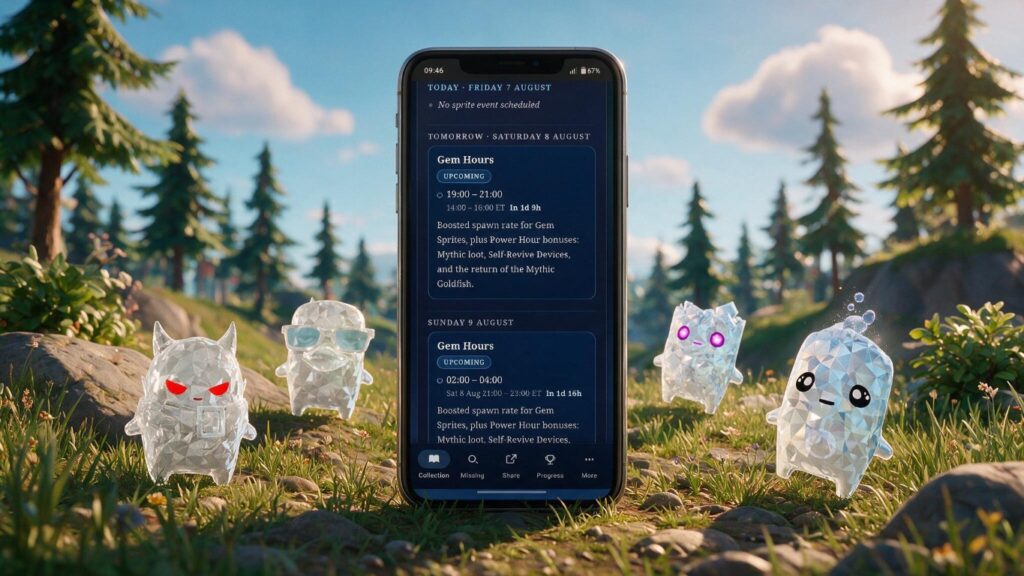
- Sprite Field Guide update: Sprite Events Calendar and Gem support