
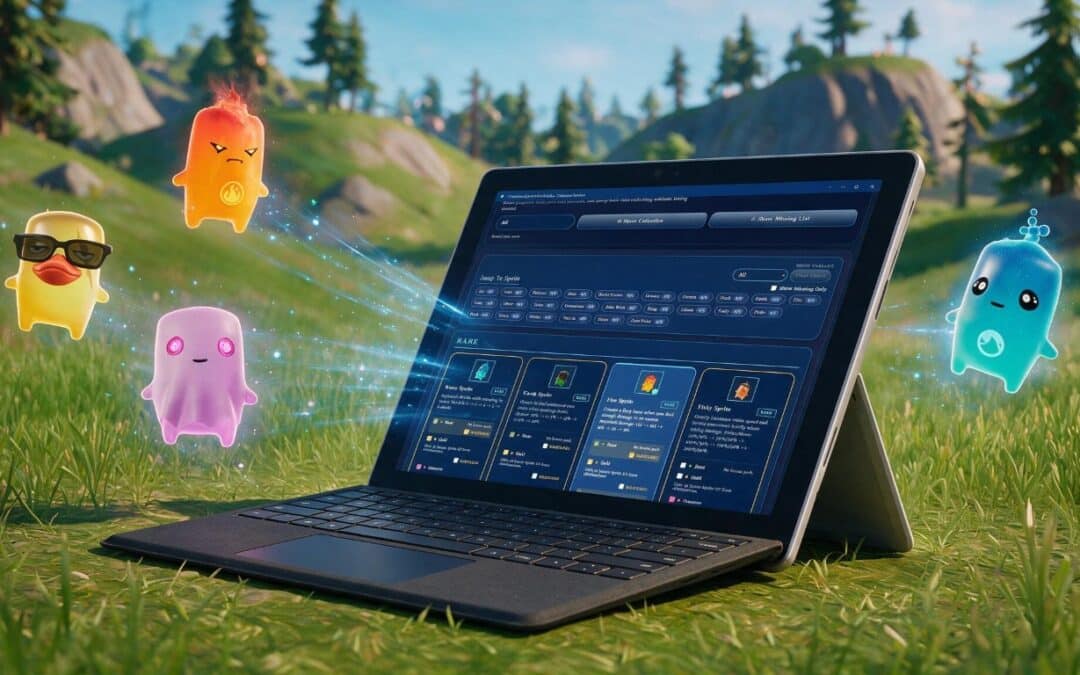
This is a big one. The Field Guide has landed on the Microsoft Store, so there’s now a home for it whichever way you like to install your apps. There’s plenty more besides: news built right into the app, the ability to save your collection to your device, and a fresh look for the images you share. Here’s what’s new.
Now on the Microsoft Store
The Field Guide is now available on the Microsoft Store, packaged up and ready to install on Windows. It joins the Google Play version and the web install, so however you like to get your apps, there’s an option to suit. It’s the same fast, offline-friendly Field Guide you already know, just with another front door.
News, built into the app
You’ll now hear about what’s new without having to check back here. There’s a News button in the header (and a News entry in the More menu on mobile) that brings up the latest update, and it’s tidy about it: each story shows once, then stays tucked away for you to revisit rather than nagging you every time you open the app. The first story is a good one, too. Sprites are continuing into next season, with a brand new set to collect. We’re also asking what you’d like to see from the Field Guide next, so if you’ve a feature in mind, that’s a great place to let us know.
Save your images, not just share them
Until now you could share your collection and missing list; now you can download them too. Both are available as images you can save straight to your device, all from a single “Share & Download” panel. Keep them, post them later, or use them however you like.
Sharing that works everywhere
Sharing has had a proper going-over. The native share sheet now appears wherever your device actually supports it, so desktop and tablet users get it as well, not just those on a phone. Where a device can’t share, the Share buttons now step aside cleanly rather than failing after you’ve tapped. And whichever device you’re on, you’ll see the same tidy panel: a bottom sheet on phones and tablets, and a centred dialog on desktop.
A fresh look for shared images
The images you share have been restyled to match the app itself: warm paper, sepia ink, and variant badges in the same colours you see in-app, all on one notebook-paper design with punched holes and matching type. We also went through every label to make sure it’s easy to read, so your collection, missing list and single-sprite images all look the part and read clearly wherever you post them.
What’s coming up
There’s a refreshed event schedule in the app too. Alongside the regulars like Gem Hours, Mastery Monday and New Sprite Day, keep an eye out for the “Unstable” Story Moment on 15 August, with Mythic Sprite Hours following on after. The calendar shows each event in your own local time now, with the official ET time alongside, and multi-day events are marked as continuing so you can see at a glance what’s still running.
Not got it yet?
Grab the Field Guide whichever way suits you best:
As ever, keep the ideas coming. Loads of this has come straight from your feedback, and there’s plenty more on the way, including a full iOS release. And do check the in-app news and let us know what you’d like from the Field Guide next season.
Unofficial companion app, not affiliated with or endorsed by Epic Games.