
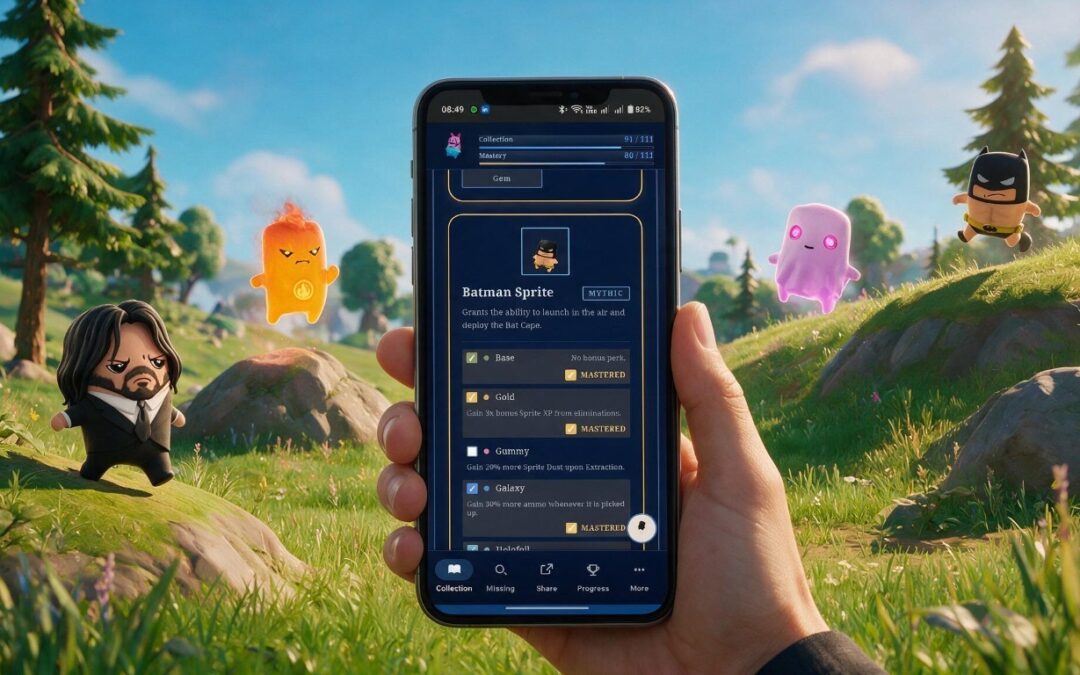
We released the Field Guide only a few days ago, and we’ve not stopped tinkering since. What began with suggestions from our own circle of family and friends quickly grew into something bigger, with most of these changes coming from people who downloaded the app and shared their thoughts. A huge thank you especially to the sprite-collecting communities on Facebook and Reddit, whose ideas have shaped this update. Here are a few of the recent changes we’ve made.
Smoother on your phone
Most of you are using the Field Guide mid-match on a phone, so that’s where we focused first. There’s now a consistent bottom bar that keeps your main actions within thumb’s reach, tidier navigation that feels the same wherever you are in the app, and quick shortcuts straight to Collection, Missing and Share. We’ve also sorted the layout on foldables and less common screen sizes (hello Google Pixel Fold and OnePlus Open!), so it looks right whatever you’re holding.
Progress that feels more rewarding
Collecting should feel like getting somewhere. We’ve reworked the progression page and added a small celebration every time you hit another ten sprites, now tied to your player title unlocks so each milestone means something. We’ve also added some additional badges and rewards around specific sprites (and we’ll be adding more – we’re huge fans of achievements and badges).
Sharing looks sharper
Showing off your collection is half the fun. There’s a dedicated share sheet on mobile now, clearer icons in the share menu, and we’ve polished the missing-list share card so your posts look cleaner when you drop them into a chat or onto your feed.
A fresher front door
First impressions count, so the homepage has a new title card to greet you, mobile menu transitions are smoother, and we’ve tidied up plenty of small interface details for a more consistent feel throughout.
Easier to install on iPhone and iPad
While the full iOS release is still on its way, we’ve made the Safari install route much friendlier. The prompt now only appears when it’s actually useful, the wording is clearer, and we’ve fixed how the app behaves once it’s on your home screen, so it feels properly native as you move between pages.
A note on privacy and analytics
We’ve added some lightweight analytics so we can see how the app is being used and keep improving the parts that matter most. We’ve updated our privacy policy to spell out exactly what that covers – we’re not using your data to track you or sell ads; we’re only collecting basic analytics data. As before, your collection data stays on your own device, and there’s still no account or sign-in needed. We built this app with privacy in mind (and we want our nephews and nieces to be able to use the app, so we’re really big on keeping it simple and safe to use).
More reliable updates
Behind the scenes, we’ve improved how updates reach you, so new versions turn up more reliably without any faff at your end. That means less waiting for improvements like these to appear.
Not got it yet?
Grab the Field Guide on the Google Play Store, or use it straight from the web:
We’ve plenty more planned, including the Microsoft Store release and a full iOS version. If there’s a feature you’d like to see, tell us. That’s how most of this list came about.
Unofficial companion app, not affiliated with or endorsed by Epic Games.