

Some projects begin with a client brief. This one began on the sofa, with a games controller.
Plenty of my family and friends play Fortnite, and keeping track of a sprite collection is fiddly work. I wanted to build something useful for us all to use as we played, so I put together a simple checklist app for the people around me. Nothing fancy (at least not to begin with), just a quick way to log what you’ve collected so far and what you’re still hunting for.
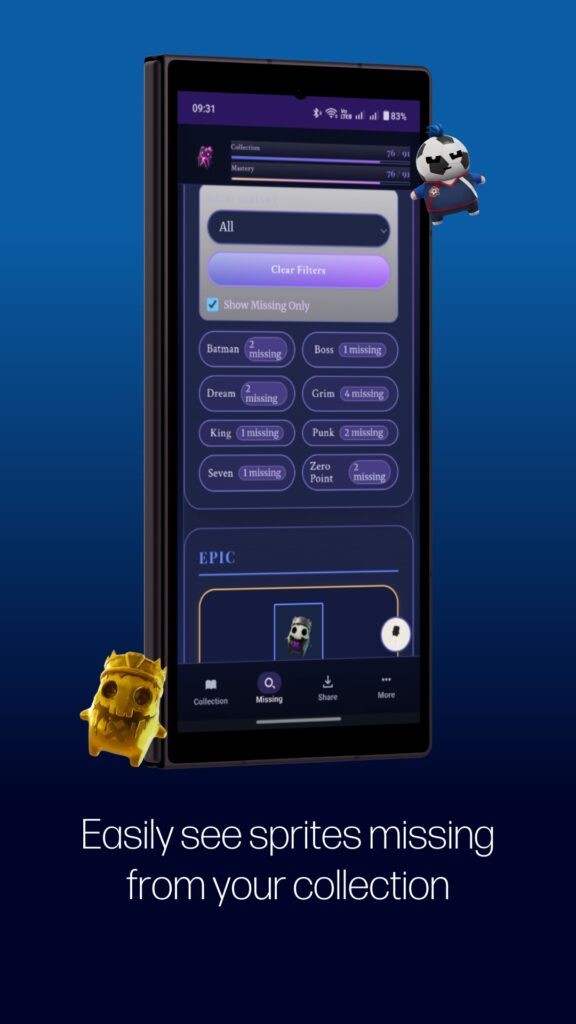
Then the requests started coming in. Could it show which sprites you’ve collected but not yet mastered? Could you share your collection with everyone else? Each time someone played with it, they’d come back with another idea, and the little side project quietly grew into something much more capable.
I also saw it as a good excuse to get properly to grips with progressive web apps (PWAs). Building the Sprite Field Guide gave us a real project to learn on, and that experience will feed back into the work we do for clients, helping us build cross-platform apps that work across mobile, desktop, and tablets (and you’ll see an optimised version for each within the Sprite Field Guide for Fortnite).
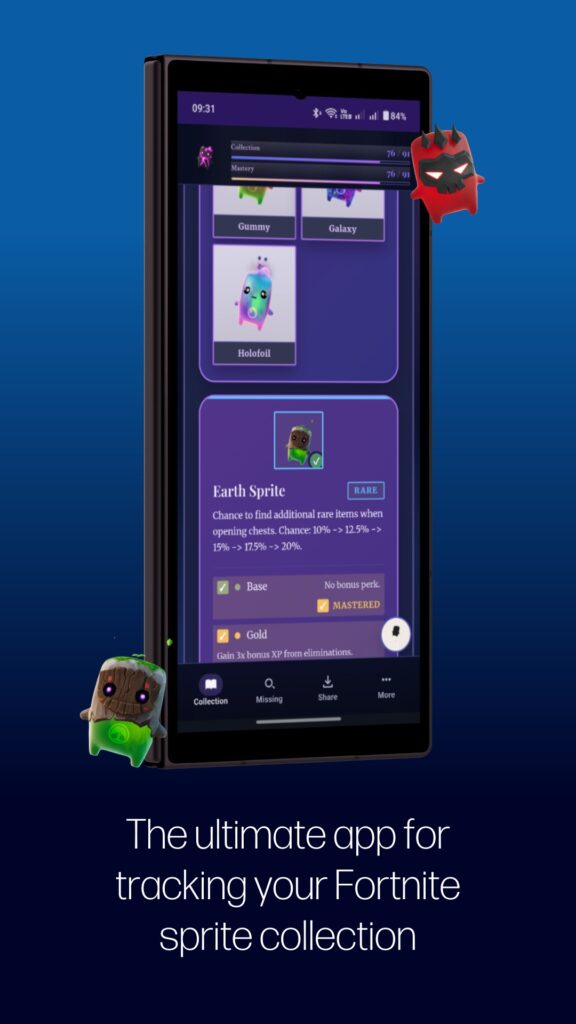
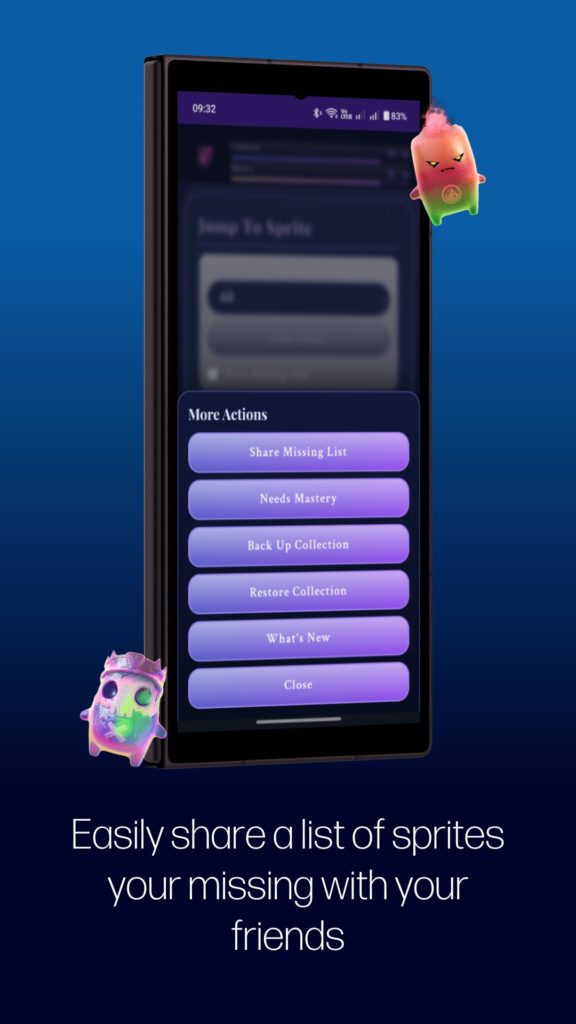
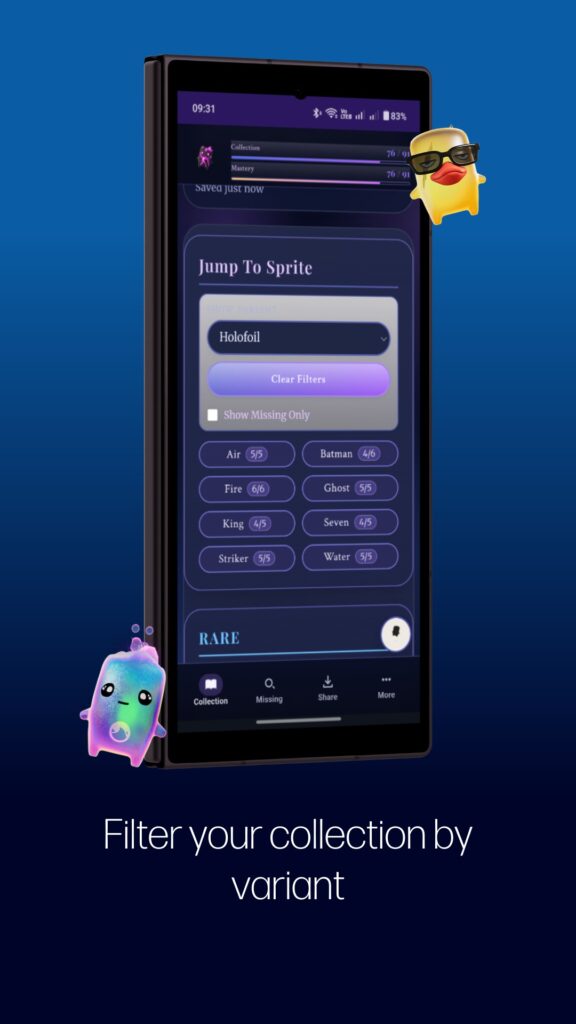
The result is the Sprite Field Guide for Fortnite: a fast, local-first tracker for your whole collection. You can tick off sprites as you go, keep an eye on variant mastery, back up and restore your data, and share your progress with friends (using native sharing so you can share an image of your collection directly to social media and messaging apps). Everything is stored on your own device, so it works even when you’re offline, and there’s no account or sign-in to bother with.
Installing on Android and Windows
The Field Guide is available now on the Google Play Store.
You can also use it straight from the web as a PWA and install it (on desktop and mobile).
We’re hoping to bring it to the Microsoft Store soon, with an iOS release to follow.
Installing on iPhone or iPad
While we work on the iOS version, Apple users can install the web app in a few taps:
- Open the web app link in Safari on your iPhone or iPad
- Tap the Share button (the square with an arrow pointing up)
- Scroll down and tap “Add to Home Screen”
- Tap “Add” in the top corner
- The Field Guide will appear on your home screen, ready to open like any other app
Just to be clear, this is an unofficial companion tracker and isn’t affiliated with or endorsed by Epic Games.
It’s been a lot of fun building something for the people closest to us, and lovely to see it turn into something others might enjoy too. If you give it a go, we’d love to hear what you think. You can also find help and support here.